Run-to-completion on one thread
A running task is never set down for another: whatever arrives waits its turn, and a long task makes everything wait.
Predict first
Before you read: predict
A proctor clicks Sort on the ExamHall proctor console. The click handler re-scores and re-sorts all 2,400 candidate tiles in one synchronous function, which takes about a second. During that second the live feed, an EventSource, receives 4 flag alerts; each alert's handler adds a row to the alert list.
How many alert handlers run while the sort is running, and how many after it ends?
The 30-second version
A page runs its JavaScript on one thread, one task at a time: a script, an event handler, a timer callback. A task runs to completion; nothing interrupts it. Clicks, messages and due timers that arrive meanwhile wait in queues and run later, each as its own task. A 0 ms timer waits too. So a long task delays everything.
A running task is never set down for another: whatever arrives waits its turn, and a long task makes everything wait.
Step through the code
Trace of the opening question
Play options
Ready: press Play or step with Next frame
Row 1 of 4 · Moment the proctor clicks Sort
Starting row · computed by comparing each row with the one before
- Moment: the proctor clicks Sort
- Running task: the click handler: the sort
- Queued: nothing
Rule · step 1
A page runs its JavaScript on one thread, one task at a time: a script, an event dispatch, a timer callback, a feed message.
Rule · step 2
Run-to-completion: once a task starts, it runs to its end. No click, message or timer callback can cut into it.
- Moment
- the proctor clicks Sort
- Running task
- the click handler: the sort
- Queued
- nothing
- Step
- 1, 2
| Moment | Running task | Queued | Step |
|---|---|---|---|
| the proctor clicks Sort | the click handler: the sort | nothing | 1, 2 |
| alerts 1–4 arrive (changed) | still the sort (changed) | alert 1, 2, 3, 4 (changed) | 3 |
| the sort returns (changed) | none (changed) | alert 1, 2, 3, 4 | 7 |
| afterwards (changed) | alert 1, then 2, 3, 4, each its own task (changed) | nothing (changed) | 3, 6 |
Space plays or pauses · ←/→ one row · Home/End first/last
Rows come from the pack's own trace table.
How it works
Step 1 of 10
See it run
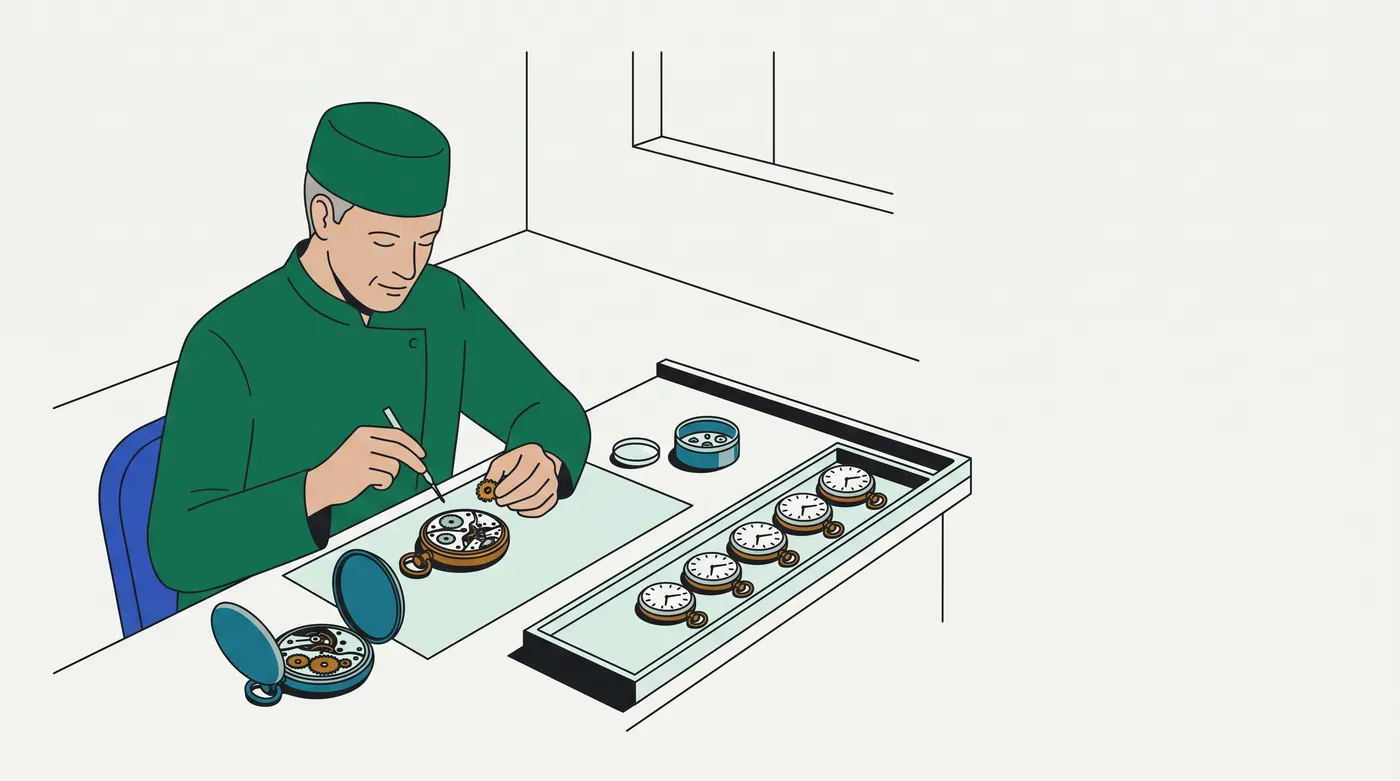
Analogy: A one-person watch-repair bench
One watchmaker works on one open watch at a time and closes it before touching the next.
| At the bench | In the page |
|---|---|
| the watch open on the mat is finished before any other is picked up | run-to-completion (step 2) |
| watches handed in meanwhile go onto the side tray in the order they came, none refused, none merged | callbacks queued (step 3) |
| a full overhaul keeps every watch on the tray waiting | a long task (step 7) |
| staring at the tray for a spare part only he can unpack, so he never unpacks it | a busy-wait on a flag (step 8) |
| a customer who withdraws a watch still on the tray takes it back unopened, however long it has waited | clearTimeout on a due timer (step 10) |
| a second workshop with its own watchmaker, reached by notes across the counter | work done elsewhere: a Worker or a server (step 9) |
In real terms: a page is only as responsive as its longest task; every click, message and timer waits for it to finish.
Breaks down when: a watchmaker can glance up and answer a customer mid-repair. A task cannot pause itself to let a callback run; it must return first (steps 2, 8).
Contrasting case: a microcontroller program, where a hardware interrupt pauses the main loop mid-statement to run its handler, so a shared counter needs interrupts switched off around each update. Nothing pauses a page's running task that way.
Examples, run for real
4.1 ExamHall: the proctor console freeze
EXH-1790: while a proctor re-sorted the candidate tiles by risk, the console froze. Flag alerts from the live feed, and the console's own heartbeat timer, appeared only when the sort ended, all at once. MR !1990 moved the scoring to the ranking service: the console posts the tile ids and applies the order the service returns.
sortButton.addEventListener('click', () => {
  setTimeout(sendHeartbeat, 100);           // falls due during the sort
  rescoreAndSortTiles();                    // before: on the page, one long task
});
// after MR !1990: the service scores the tiles; the page applies the order when the reply arrives
sortButton.addEventListener('click', () => {
  setTimeout(sendHeartbeat, 100);
  const req = new XMLHttpRequest();
  req.open('POST', '/rank');
  req.onload = () => applyTileOrder(JSON.parse(req.responseText).ranked);
  req.send(JSON.stringify(tileIds));
});
EXH-1790 sort in the click handler while the sort computes: alerts 0 · heartbeat 0 | after it: alerts 3 (1 2 3) · heartbeat 1 | tiles re-ordered in the handler
MR !1990 sort on the ranking service while the service computes: alerts 3 (1 2 3) · heartbeat 1 | after it: alerts 0 · heartbeat 0 | tiles re-ordered from the service's reply (42,13,7)Before the fix, the three alerts and the heartbeat waited behind the sort, then all ran (steps 3, 7). After it, the handler returned at once, so the page's thread was free while the service computed; each alert and the heartbeat ran on time, and the reply ran later as its own task (step 9). The script prints each source's own order only, because which queue runs first after a block is the browser's choice (step 6).
4.2 Catalog: two listeners and a 0 ms timer
"Apply filters" has two click listeners. The first sets a 0 ms timer, then recomputes facet counts for a second; the second logs the click.
applyButton.addEventListener('click', () => {
  setTimeout(() => log('0 ms timer'), 0);
  recomputeFacetCounts();                   // about 1 s, synchronous
});
applyButton.addEventListener('click', () => log('listener 2: analytics'));
listener 1: start -> listener 1: end -> listener 2: analytics -> 0 ms timerThe timer fell due almost at once, yet it ran last: one click's dispatch is one task, and both listeners belong to it (steps 4–5).
Picture it
Try it
Answer first, then check. Nothing is saved.
Question 1 of 4
A product page must not show a price before the stock check answers. The page sends an XMLHttpRequest for the stock, sets stockReady = true in the request's onload, then waits with while (!stockReady) {} before calling renderPrice(). The server answers within milliseconds, yet the tab freezes and no price appears.
What is the bug?
Question 2 of 4
A catalog admin page's "Import prices" click listener processes 5 chunks of rows in a for loop, each taking about 0.2 s. After each chunk it re-arms an autosave: clearTimeout(saveTimer); saveTimer = setTimeout(() => autosave(n), 0);, where n is the chunk number.
How many autosaves run, with which n, and when?
Question 3 of 4
A chat app's "Search history" handler is meant to show a "still searching…" notice when a search takes longer than 200 ms:
On a slow laptop the search takes about a second.
What is wrong with this handler there?
searchButton.addEventListener('click', () => { const slow = setTimeout(showSlowNotice, 200); const hits = searchHistory(); // synchronous clearTimeout(slow); showResults(hits);});Question 4 of 4
A live-stream page's "Show similar streams" click listener ranks 30,000 streams synchronously for about a second. Viewer comments arrive on an EventSource meanwhile, and their listeners run only once it has finished. A worker, similarWorker, is created at page load and can do the same work.
Which change lets the comment listeners run while that work goes on, and still shows every comment?
Go deeper
Pro tips
- Testing a long task with Playwright? Start it with
setTimeout(…, 0)insidepage.evaluate. Evaluating the long function directly returns only when it ends, so the test cannot click meanwhile. When: writing a test that sends input during a block (steps 2–3). Verify:evaluate(() => longWork()) returned only after the work ended: true evaluate(() => setTimeout(longWork, 0)) returned before the work ended: true page.mouse.click() sent during the work resolved after it ended: true · handler saw click busy=false - Find long tasks in a recording, not by feel: in Chrome DevTools' Performance panel, record while you reproduce the freeze; tasks over 50 ms are marked as long tasks on the Main track. When: a page "freezes" and you need the one task responsible (step 7). Status: DOC (Chrome DevTools, Performance features reference: https://developer.chrome.com/docs/devtools/performance/reference); not run in this session.
Source
- MDN, JavaScript execution model: https://developer.mozilla.org/en-US/docs/Web/JavaScript/Reference/Execution_model · fetched 2026-09-29. "Each job is processed completely before any other job is processed … whenever a function runs, it cannot be preempted and will run entirely before any other code runs" (steps 1–2). "If a job takes too long to complete, the web application is unable to process user interactions like click or scroll" (step 7). "Each worker creates its own agent" (step 9). Valid as of 2026-09-29.
- HTML Standard, Event loops: https://html.spec.whatwg.org/multipage/webappapis.html#event-loops · fetched 2026-09-29. "Let taskQueue be one such task queue, chosen in an implementation-defined manner", then "the first runnable task in taskQueue" (steps 3, 6); "every task source must be associated with a specific task queue" (step 6). Valid as of 2026-09-29.
- HTML Standard, Timers: https://html.spec.whatwg.org/multipage/timers-and-user-prompts.html#timers · fetched 2026-09-29. "This API does not guarantee that timers will run exactly on schedule. Delays due to CPU load, other tasks, etc, are to be expected" (step 4). Timers with the same global wait for earlier ones "whose milliseconds is less than or equal to this one's" (a timer's order against earlier, shorter ones only; nothing orders it against a later, shorter timer). "The clearTimeout( id ) and clearInterval( id ) method steps are to remove this 's map of setTimeout and setInterval IDs [ id ]", and the queued task's first substep is "If id does not exist in global 's map of setTimeout and setInterval IDs , then abort these steps" (step 10: a due timer cleared before its task runs never calls back). Valid as of 2026-09-29.
- HTML Standard, Server-sent events: https://html.spec.whatwg.org/multipage/server-sent-events.html · fetched 2026-09-29. "The task source for any tasks that are queued by EventSource objects is the remote event task source" (step 6: one feed, one source). Valid as of 2026-09-29.
- MDN, Using Web Workers: https://developer.mozilla.org/en-US/docs/Web/API/Web_Workers_API/Using_web_workers · fetched 2026-09-29. "The worker thread can perform tasks without interfering with the user interface" (step 9). Valid as of 2026-09-29.
Checked against the tools and docs as of 2026-09-29.